

Ridmik Keyboard: Bangla Typing Made Easy
Overview
Ridmik Keyboard is a dedicated utility tool designed for users who need to type in Bangla using phonetic input on Android devices. It serves as a practical solution for individuals communicating in Bangla through smartphones or tablets, offering a streamlined experience for both casual and frequent users. The software addresses the challenge of accurate and efficient Bangla typing by providing multiple layout options, including Avro, Probhat, and Jatiyo—popular choices among Bangla speakers.
This makes it particularly useful for students, professionals, and everyday users who rely on Bangla for personal or work-related communication. Developed by Ridmik Labs, the keyboard is positioned as a lightweight and privacy-focused alternative to other Bangla typing tools. It supports additional language add-ons such as Arabic and Chakma, expanding its usability beyond Bangla.
The app is fully free to use, with no in-app purchases or hidden costs. Real-world usage includes messaging, note-taking, social media posting, and content creation in Bangla. Its design prioritizes ease of access and fast input, making it suitable for users who value both speed and simplicity in their daily digital interactions.
Key Features & Capabilities
- Multiple Bangla Layouts: Supports Avro, Probhat, and Jatiyo layouts, allowing users to choose their preferred typing method based on familiarity or regional preference.
- Language Add-ons: Offers optional support for Arabic and Chakma languages, enabling multilingual typing within a single keyboard interface.
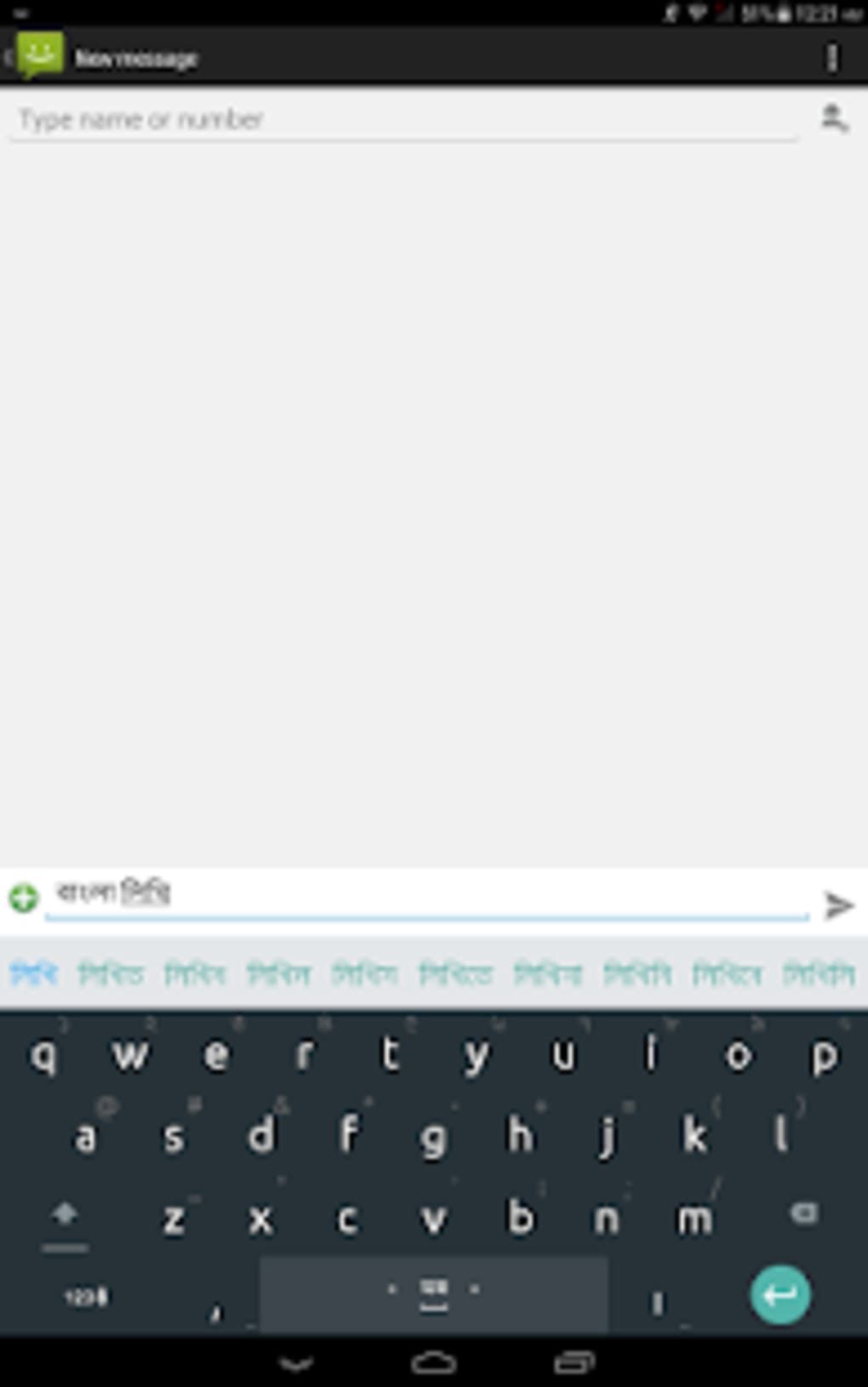
- Customizable Themes: Provides a variety of colorful themes to personalize the keyboard’s appearance and match individual aesthetic preferences.
- Predictive Suggestions & Voice Typing: Delivers real-time word predictions and voice input features to enhance typing speed and accuracy.
- Clipboard Integration: Stores recently copied text for quick access and reuse across apps.
- Adjustable Keyboard Height: Allows users to modify the keyboard size in both portrait and landscape modes for better comfort and visibility.
- Flexible Number Row Placement: Enables users to set the number row as the fifth row, with options for large or small number keys.
- Cursor Control via Space Key: Facilitates smoother navigation when switching between languages using the globe button.
- Enhanced Text Editing: Introduces a fresh editing interface for improved text manipulation and input precision.
These features collectively support a seamless typing workflow. For example, a student writing an essay in Bangla can switch layouts instantly, use predictive text to reduce typing effort, and customize the keyboard’s look to match their device’s theme. Similarly, a professional managing multilingual content can leverage the add-on languages and clipboard function for efficient cross-language input. The inclusion of voice typing and theme customization enhances both functionality and user satisfaction.
User Interface, Workflow & Performance
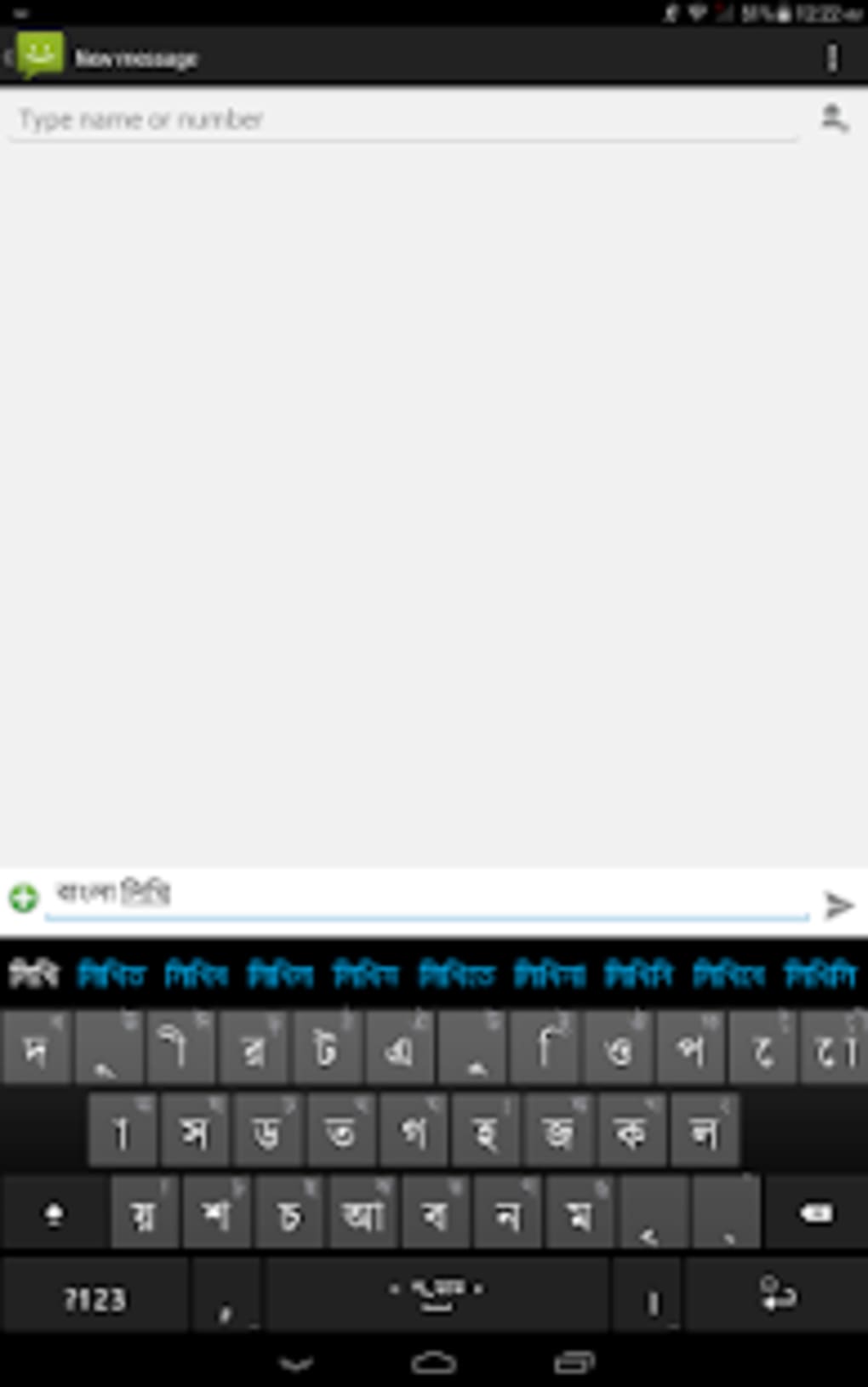
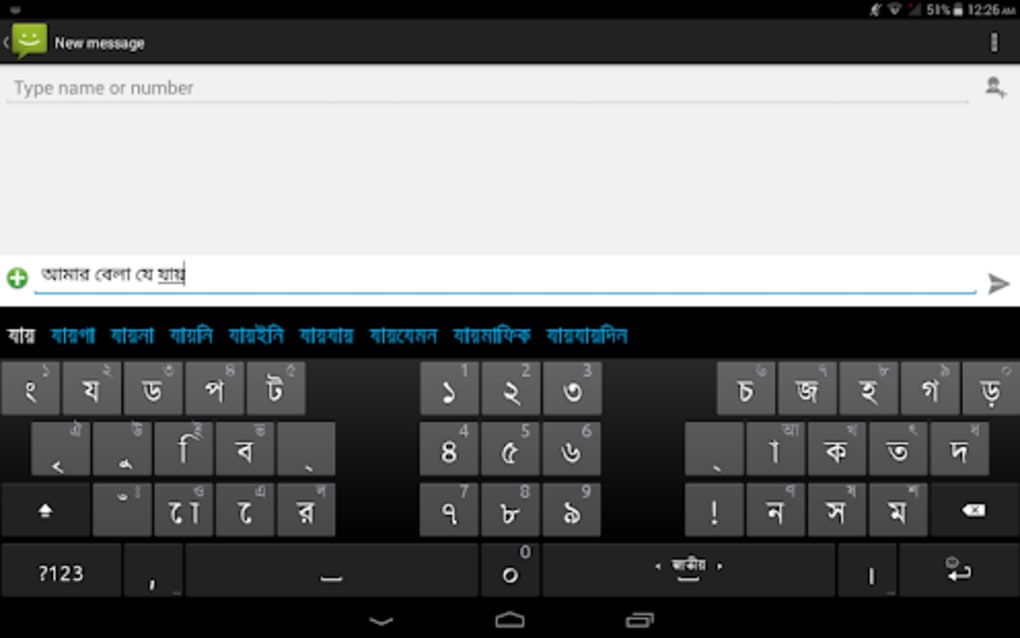
The user interface of Ridmik Keyboard is designed with simplicity and accessibility in mind. The layout is clean and intuitive, with clearly labeled keys and a consistent visual hierarchy. Navigation between layouts and language settings is straightforward, typically accessible via the globe button or a dedicated settings menu.
The workflow emphasizes efficiency, allowing users to switch between Bangla, Arabic, and Chakma with minimal disruption. The keyboard integrates smoothly with standard Android input methods, making it easy to activate and use across messaging apps, browsers, and note-taking tools. Performance observations are based on general software behavior patterns, as specific benchmark data was not provided.
The developer did not specify resource usage details, but the 20.5 MB file size suggests a lightweight footprint. Stability appears to be maintained through consistent updates and a focus on privacy. Users can expect minimal lag during regular use, particularly on devices with modern hardware.
The app’s responsiveness is likely optimized for everyday typing tasks, though performance may vary depending on device capabilities and background processes.
Compatibility & System Requirements
Ridmik Keyboard is designed for Android devices and is compatible with the latest Android operating system versions. The software is available as an APK file, allowing installation on a wide range of Android smartphones and tablets. The app has a file size of 20.5 MB, which is relatively compact for a full-featured keyboard application.
Exact system requirements were not listed, so users should ensure their device supports APK installations and has sufficient storage space. The developer did not provide additional system requirements, including minimum RAM or CPU specifications. Compatibility information is limited to the Android platform, with no mention of support for other operating systems such as iOS or desktop environments.
Installation is straightforward, and the app functions as a standard keyboard input method within the Android ecosystem. Users should verify that their device allows third-party keyboard installations through system settings.
Pros and Cons
Pros
- Free to download and use with no hidden costs
- Supports multiple Bangla layouts including Avro, Probhat, and Jatiyo
- Offers customizable themes and visual personalization
- Includes predictive suggestions and voice typing for faster input
- Supports Arabic and Chakma language add-ons
- Privacy-focused with no data collection reported
- Lightweight at just 20.5 MB
- Adjustable keyboard height and number row placement
Cons
- Performance details were not specified by the developer
- Compatibility with older Android versions is unclear
- No official desktop or iOS version available
- Advanced features may be limited compared to premium alternatives
- APK installation may require enabling unknown sources on some devices
FAQ Section
Is Ridmik Keyboard available for iOS devices?
Ridmik Keyboard is currently designed for Android devices only. There is no official version available for iOS or other operating systems.
Can I use Ridmik Keyboard offline?
Yes, the keyboard functions fully offline. All typing features, including layout switching and predictive text, work without an internet connection.
Does Ridmik Keyboard collect user data?
According to the developer, Ridmik Keyboard does not collect any personal data. It is designed with user privacy in mind, ensuring secure typing without data tracking.
How do I install Ridmik Keyboard on my Android device?
To install, download the APK file and enable "Unknown Sources" in your device's settings. Then open the file and follow the installation prompts. Once installed, activate it as a default keyboard in your device's language and input settings.
Are updates available for Ridmik Keyboard?
Updates are regularly released to improve functionality and fix bugs. Users should check for updates through the official source or distribution platform.
Final Thoughts + CTA
Ridmik Keyboard stands out as a reliable, privacy-conscious tool for Bangla typing on Android. Its support for multiple layouts, customizable themes, and multilingual add-ons makes it a versatile choice for users across different regions and use cases. While it may not match the advanced features of some premium alternatives, its lightweight design, free access, and strong focus on security offer a compelling value proposition.
The app is ideal for students, content creators, and professionals who prioritize ease of use and data privacy. For anyone seeking a dependable Bangla keyboard that respects user autonomy, Ridmik Keyboard delivers a solid experience. Download Ridmik Keyboard now.






.png)
